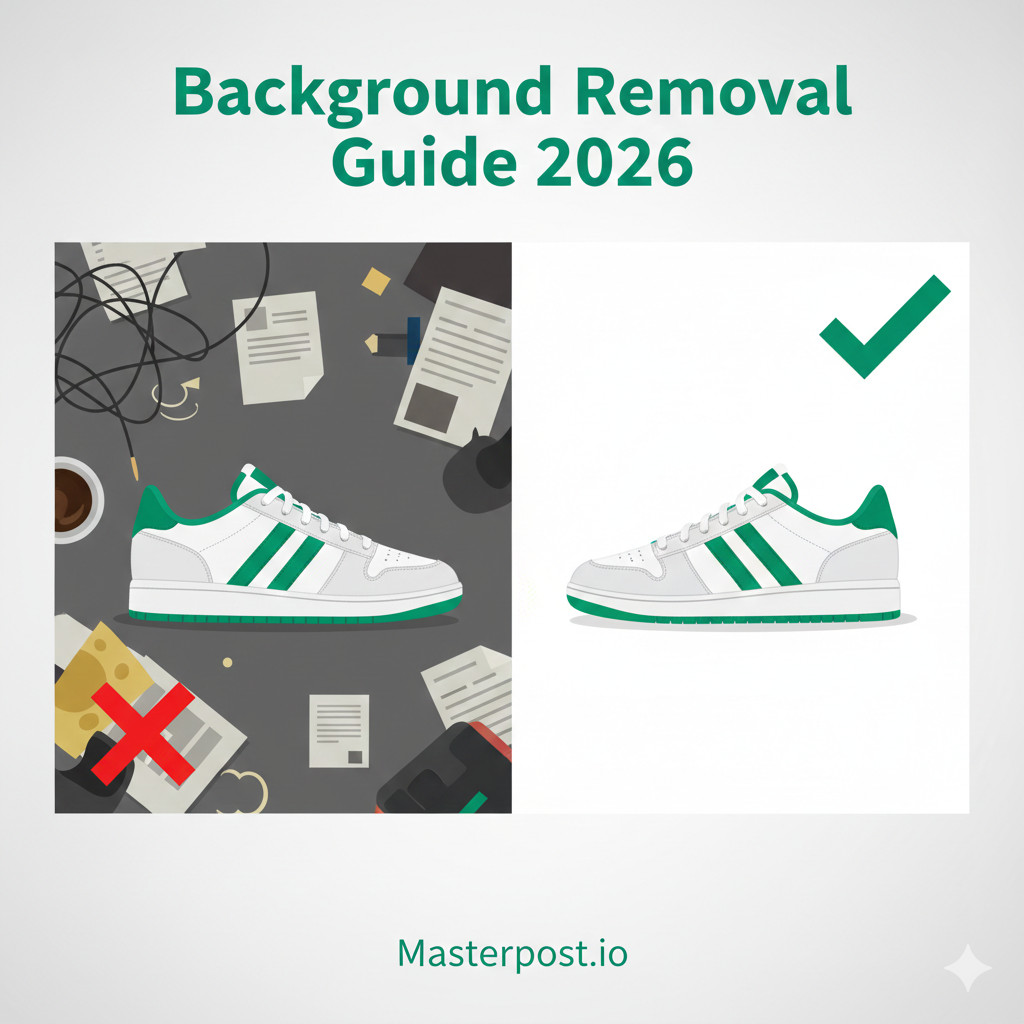
Background removal is one of the most critical steps in e-commerce product photography. Whether you're selling on Amazon, eBay, or your own website, clean, professional product images can increase conversion rates by up to 94%.
But with so many options available—from manual Photoshop editing to AI-powered tools—how do you choose the right method for your business? The answer depends on your volume, budget, and product complexity.
In this comprehensive guide, we'll compare all the major background removal methods, from manual editing to fully automated solutions, helping you find the best approach for your e-commerce business.
Why E-commerce Needs Background Removal
Professional background removal isn't just about aesthetics—it directly impacts your bottom line. Here's why it matters:
Marketplace Compliance
Major marketplaces have strict image requirements:
- Amazon: Requires pure white backgrounds (RGB 255,255,255) for main images
- eBay: Recommends clean, white backgrounds for better visibility
- Walmart: White background required for main product images
- Google Shopping: Prefers white or transparent backgrounds
Catalog Consistency
Uniform backgrounds across your product catalog create a professional, trustworthy appearance. Inconsistent backgrounds look amateur and can hurt brand perception.
Better Conversion Rates
Research shows that professional product images significantly impact sales:
- 67% of consumers say image quality is "very important" in purchase decisions
- 22% of returns are due to products looking different than expected
- Clean backgrounds help customers focus on the product, not distractions
The Data
Manual Background Removal Methods
Manual editing gives you the most control over the final result. Here are the primary tools and techniques used by professionals.
Adobe Photoshop
Photoshop remains the industry standard for precise background removal. Key techniques include:
Pen Tool Method (Most Precise)
- Create precise paths around your product
- Best for products with clean, defined edges
- Time-intensive but produces excellent results
- Learning curve: Medium to High
Quick Selection / Magic Wand
- AI-assisted selection based on color/contrast
- Good for simple products with clear edges
- Faster than Pen Tool but less precise
- May struggle with complex edges (hair, fur)
Select and Mask
- Advanced edge refinement tool
- Excellent for hair, fur, and complex textures
- Can refine selections from other tools
- Requires Photoshop CC
Photoshop Method Comparison
| Specification | Requirement | Notes |
|---|---|---|
| Pen Tool | 10-30 minutes/image | Most precise, best for clean edges |
| Quick Selection | 2-5 minutes/image | Good for simple products |
| Select and Mask | 5-15 minutes/image | Best for complex edges |
| AI Remove Background | 1-2 minutes/image | New in Photoshop 2023+ |
GIMP (Free Alternative)
GIMP offers similar tools to Photoshop without the cost:
- Paths Tool: Similar to Photoshop's Pen Tool
- Fuzzy Select: Like Magic Wand
- Foreground Select: AI-assisted selection
- Learning curve: Similar to Photoshop, slightly different interface
When to Use Manual Methods
- Complex products: Hair, fur, transparent items, fine details
- High-value items: Jewelry, watches, luxury goods
- Small quantities: When you only have a few images
- Special requirements: Custom edges, shadow effects, reflections
Time Investment
AI-Powered Background Removal
AI has revolutionized background removal, making it accessible to everyone. Here's how modern AI tools work and how they compare.
How AI Detection Works
Modern AI background removal uses machine learning models trained on millions of images:
- Semantic segmentation: AI identifies what's "product" vs "background"
- Edge detection: Neural networks find precise boundaries
- Matting algorithms: Handle semi-transparent areas (glass, hair)
- Post-processing: Clean up artifacts and smooth edges
Popular AI Tools Comparison
AI Background Removal Tools
| Specification | Requirement | Notes |
|---|---|---|
| Remove.bg | $0.40/image (bulk) | Popular, good quality, API available |
| Photoroom | $0.20-0.40/image | Mobile-friendly, good for social |
| Canva BG Remover | Included in Pro ($13/mo) | Simple, integrated with Canva |
| Photoshop AI | Included in CC subscription | One-click in Photoshop |
| Free online tools | Free (with limitations) | Lower quality, watermarks, limits |
Limitations of AI Tools
While AI has improved dramatically, it's not perfect:
- Complex edges: Hair, fur, and fine details can still be challenging
- Transparent objects: Glass, clear plastics may lose detail
- Shadows: Some tools remove shadows you might want to keep
- Color bleeding: Background colors can sometimes affect product edges
- Consistency: Results can vary between similar images
Quality Tiers
Bulk/Automated Solutions
When you're processing 100+ images, individual tools become impractical. Automated solutions are designed for high-volume e-commerce operations.
When You Need Automation
- Processing 100+ images per week
- Regular product launches with many SKUs
- Seasonal inventory changes
- Multiple marketplace listings (Amazon, eBay, website)
- Dropshipping operations with supplier images
Types of Automated Solutions
API-Based Solutions
- Integrate directly into your workflow
- Automated processing via code
- Good for developers and technical teams
- Examples: Remove.bg API, Photoroom API
Desktop Batch Processing
- Process folders of images locally
- No upload/download wait times
- Privacy (images never leave your computer)
- May require powerful hardware
Web-Based Batch Tools
- Upload multiple images at once
- No software installation
- Access from anywhere
- Optimized for e-commerce workflows
Cost Comparison
Background Removal Pricing (per image)
| Specification | Requirement | Notes |
|---|---|---|
| Manual editing (outsourced) | $1-5 per image | High quality, slow turnaround |
| Remove.bg | $0.40 per image | Good quality, fast |
| Slazzer | $0.28 per image | Similar to Remove.bg |
| Masterpost.io (Basic) | $0.10 per image | Fast rembg processing |
| Masterpost.io (Premium) | $0.30 per image | Qwen AI, complex products |
Best Practices for Background Removal
Shooting Tips for Easier Removal
Good photography makes background removal much easier:
- Use a solid color background - White, gray, or green screens work best
- Good lighting - Even, diffused light reduces shadows
- Distance from background - Prevents shadows and color spillage
- High contrast - Product should clearly stand out from background
- Consistent setup - Same conditions for all products
Lighting Considerations
- Avoid harsh shadows - Use softboxes or diffused light
- Light the background separately - Helps with extraction
- Watch for color cast - Colored backgrounds can reflect onto products
Quality Control Checklist
After background removal, check for:
- Edge quality: No jagged edges or halos
- Color accuracy: Product colors unchanged
- Missing details: All product parts preserved
- Background purity: Pure white (RGB 255,255,255) for Amazon
- File format: Correct format and resolution
Common Problems and Solutions
Halos and edge artifacts
Solution: Use tools with edge refinement. Contract selection by 1-2px. For AI tools, try higher quality settings.
Transparent/reflective products
Solution: Use AI tools trained on transparent objects. Manual refinement may be needed. Consider showing products on colored backgrounds instead.
Fine details (hair, fabric texture)
Solution: Use Select and Mask in Photoshop or premium AI tools. Shoot against contrasting backgrounds for easier extraction.
Shadow preservation
Solution: Some tools offer "keep shadow" options. For white backgrounds, subtle drop shadows may need to be added back manually.
Color fringing
Solution: Avoid colored backgrounds when shooting. Use "Decontaminate Colors" in Photoshop. Some AI tools handle this automatically.
Conclusion
Choosing the right background removal method depends on your specific needs:
- Low volume (<20 images/week): Manual editing or free AI tools
- Medium volume (20-100 images/week): Paid AI tools or affordable bulk services
- High volume (100+ images/week): Automated solutions with batch processing
For most e-commerce sellers, AI-powered tools are good enough for 80%+ of products. Reserve manual editing for complex items, hero images, or products that require special attention.
The key is finding the right balance between quality, speed, and cost for your business.
Try Automated Background Removal