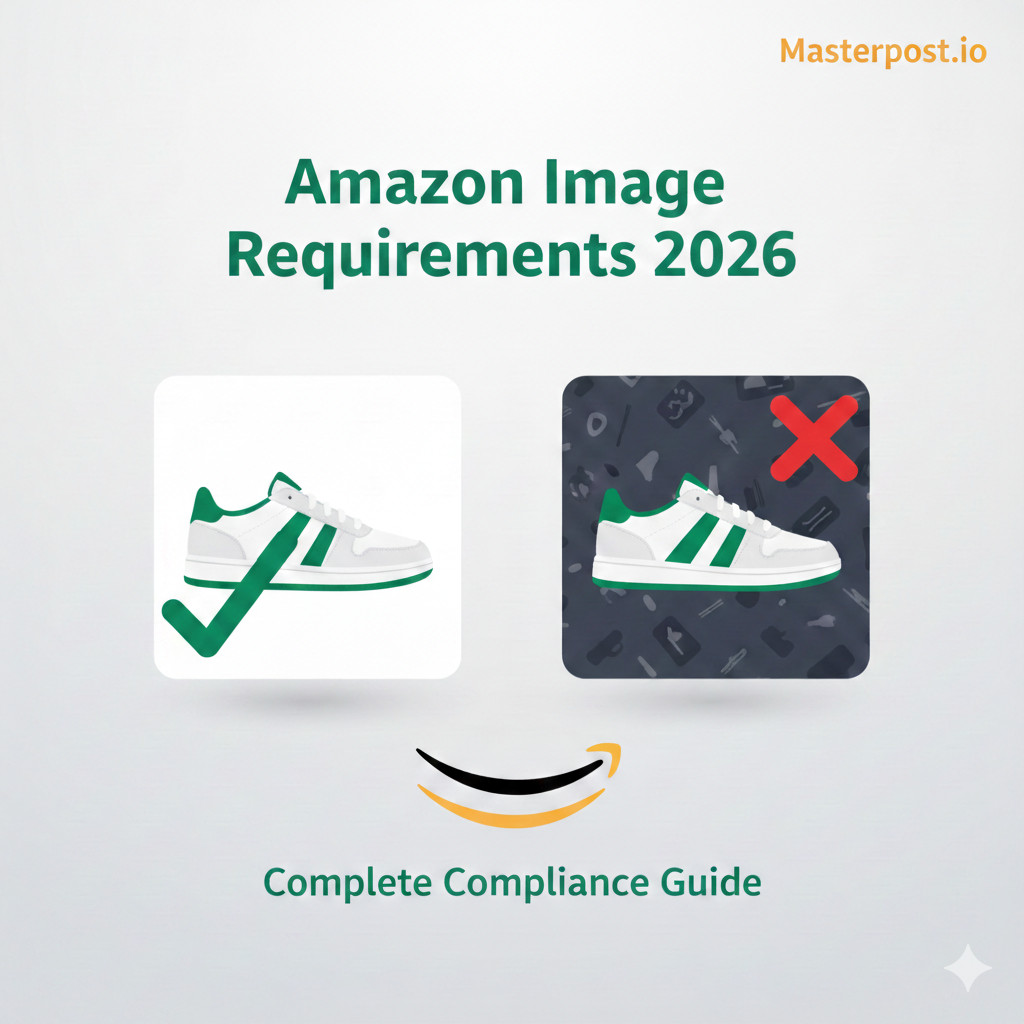
If you're selling on Amazon, you've probably experienced the frustration of having product images rejected. Amazon rejects 30-40% of submitted product images from sellers who don't follow their strict guidelines. This isn't just an inconvenience—it directly impacts your conversion rates and sales.
Product images are the first thing customers see when browsing Amazon. Studies show that high-quality, compliant images can increase conversion rates by up to 94%. On the flip side, rejected or poor-quality images can delay your listing, hurt your search rankings, and ultimately cost you sales.
In this comprehensive guide, you'll learn:
- Exact specifications for Amazon main and additional images
- The most common rejection reasons and how to avoid them
- Technical deep-dives into background, dimensions, and color modes
- Category-specific requirements you might be missing
- How to automate compliance and save hours of manual work
Official Amazon Image Requirements
Amazon has strict image requirements that apply to all product listings. These are divided into two categories:Main Image (the primary image shown in search results) and Additional Images(supporting images on your listing page).
Main Image Requirements
Your main image is the most important—it appears in search results and is the first impression customers get of your product. Amazon's main image requirements are non-negotiable:
Amazon Main Image Specifications
| Specification | Requirement | Notes |
|---|---|---|
| Background Color | Pure white (RGB 255, 255, 255) | No off-white, cream, or gray |
| Product Fill | 85% of image frame | Product should fill most of the image |
| Minimum Resolution | 1000px on longest side | 2000px+ recommended for zoom |
| Maximum Resolution | 10,000px on longest side | Files up to 10MB |
| File Formats | JPEG, PNG, GIF, TIFF | JPEG preferred for smaller file size |
| Color Mode | sRGB or CMYK | sRGB recommended for web display |
Critical Requirement
Additional Image Requirements
Additional images have more flexibility and allow you to showcase your product in different ways:
- Lifestyle shots showing the product in use
- Infographics highlighting key features
- Size comparisons with common objects
- Close-up details of important features
- Packaging (when relevant to the purchase decision)
- Multiple angles of the product
Pro Tip
Common Image Rejection Reasons
Understanding why Amazon rejects images is the first step to avoiding costly delays. Here are the most common rejection reasons, ranked by frequency:
Background not pure white (Most Common)
Even slightly off-white, gray, or cream backgrounds will be rejected. Your camera's auto white balance often produces RGB 250-254 instead of pure 255.
Product too small in frame
The product must fill at least 85% of the image. Small products with excessive white space look unprofessional and fail compliance.
Low resolution or pixelation
Images under 1000px won't allow zoom functionality. Blurry or pixelated images hurt customer trust and conversion.
Watermarks or logos visible
No seller logos, watermarks, or promotional text on main images. This includes "Best Seller" badges or price overlays.
Multiple products in main image
The main image should show only the product included in the purchase. No accessories unless they come with the product.
Text overlay on main image
No promotional text, feature callouts, or any text on the main image. Save this for additional images.
Visible mannequins
For apparel, mannequins must be invisible (ghost mannequin technique) or the clothing must be flat-lay or on a model.
Distracting props
Props that aren't included with the product can confuse customers about what they're purchasing.
Visual Comparison: Wrong vs Right
| Wrong | Right |
|---|---|
| Off-white background (RGB 252, 252, 250) | Pure white background (RGB 255, 255, 255) |
| Product fills 50% of frame | Product fills 85%+ of frame |
| 500px resolution | 2000px+ resolution |
| Company logo watermark | Clean image, no overlays |
| Multiple products shown | Single product only |
| "BEST SELLER!" text overlay | No text on main image |
| Visible mannequin | Ghost mannequin or flat lay |
| Decorative props visible | Product only, no props |
Technical Specifications Deep Dive
White Background: The RGB 255,255,255 Rule
The pure white background requirement is the #1 cause of image rejections. Here's why it's so important and how Amazon's automated checker works:
Amazon uses automated image scanning to check background color. The system samples pixels from the edges of your image and compares them to pure white (RGB 255, 255, 255). If any sampled pixels fall below a certain threshold (typically RGB 250 or below), the image is automatically rejected.
How to Check Your Background
Tips for achieving pure white:
- Don't rely on camera auto white balance—it rarely produces true white
- Use professional lighting with proper exposure settings
- Always post-process images to ensure RGB 255, 255, 255 background
- Consider using AI background removal tools like Masterpost.io that guarantee pure white output
Image Dimensions: Why 2000px+ Matters
While Amazon's minimum is 1000px, there's a significant advantage to using 2000px or higher:
- Zoom Feature: Images 1000px+ enable zoom, but 2000px+ provides clearer zoom detail
- Mobile Experience: Higher resolution images look better on high-DPI mobile screens
- Future-Proofing: As screen resolutions increase, your images stay sharp
- Search Ranking: Amazon may favor listings with higher-quality images
Recommended Dimensions by Product Type
| Specification | Requirement | Notes |
|---|---|---|
| Standard Products | 2000 x 2000px (1:1) | Square format works universally |
| Tall Products | 1500 x 2000px (3:4) | Bottles, tall packaging |
| Wide Products | 2000 x 1500px (4:3) | Electronics, keyboards |
| Jewelry/Small Items | 2000 x 2000px | Zoom is critical for details |
Color Mode: sRGB vs CMYK
Amazon accepts both sRGB and CMYK color modes, but there's a clear winner for e-commerce:
- sRGB (Recommended): Standard for web displays. Colors appear consistent across devices.
- CMYK: Designed for print. Colors may appear dull or shifted on screens.
How to convert properly: In Photoshop, go to Image → Mode → RGB Color. Then convert to sRGB profile via Edit → Convert to Profile → sRGB IEC61966-2.1.
Category-Specific Requirements
Beyond the general requirements, certain product categories have additional rules:
Apparel
- Ghost mannequin technique required (no visible mannequins)
- Flat lay photography is acceptable
- Human models are allowed but must be standing (no sitting poses)
- No accessories on models that aren't included with the product
Jewelry
- Size reference may be required for certain items
- Close-up shots showing detail are essential
- Reflective surfaces should be carefully managed
- Consider showing the item worn (in additional images)
Electronics
- Show packaging only if it's a key selling point
- Include all cables/accessories that come with the product
- Display screens should show generic content (not branded content)
- Power indicators can be lit in images
Beauty & Personal Care
- Ingredient lists may need to be readable in at least one image
- Before/after images may be restricted
- Claims on packaging must match listing claims
- Show product size clearly for customer reference
How to Fix Rejected Images
If your images have been rejected, here's a systematic approach to fixing them:
Step 1: Identify the Issue
Check Amazon's rejection reason (usually sent via email or shown in Seller Central). Common codes include:
- MAIN_OFFER_IMAGE_REQUIRES_BACKGROUND_TO_BE_WHITE
- MAIN_OFFER_IMAGE_REQUIRES_NO_ADDITIONAL_TEXT
- IMAGE_RESOLUTION_TOO_LOW
Step 2: Tools You'll Need
- Photo Editor: Photoshop, GIMP, or Affinity Photo
- Background Removal: AI tools like Masterpost.io for quick, accurate results
- Color Checker: Any tool with an eyedropper to verify RGB values
Step 3: Common Photoshop/GIMP Mistakes
- Wrong layer blending: Ensure background layer is solid white, not transparent
- Compression artifacts: Save at quality 85% or higher to avoid edge artifacts
- Wrong color profile: Always export in sRGB color space
- Anti-aliasing issues: Edges should be clean, not pixelated
Step 4: Batch Processing
If you have multiple images to fix, manual editing doesn't scale. Consider:
- Photoshop Actions for repetitive tasks
- Lightroom batch exports with presets
- AI-powered tools designed for bulk processing
Automating Compliance
Manual image editing works for a few products, but it doesn't scale. If you're managing 50+ SKUs or regularly adding new products, the hours add up quickly.
Why Manual Editing Doesn't Scale
- Time: 5-15 minutes per image for proper background removal
- Consistency: Hard to maintain exact RGB 255,255,255 across all images
- Skill: Quality results require photo editing expertise
- Cost: Professional editors charge $1-5+ per image
Benefits of Automation
- Speed: Process hundreds of images in minutes, not hours
- Consistency: Guaranteed pure white backgrounds every time
- Cost: Significantly cheaper than manual editing or outsourcing
- Scalability: Handle seasonal spikes and new product launches easily
Conclusion
Amazon's image requirements might seem strict, but they exist to maintain a consistent, trustworthy shopping experience for customers. By following these guidelines, you're not just avoiding rejections—you're building a professional brand presence that converts browsers into buyers.
Key takeaways:
- Always use pure white backgrounds (RGB 255, 255, 255)
- Ensure your product fills 85%+ of the image frame
- Use 2000px+ resolution for optimal zoom functionality
- No text, watermarks, or logos on main images
- Check category-specific requirements for your products
- Consider automation tools to save time and ensure consistency
Ready to Get Started?